
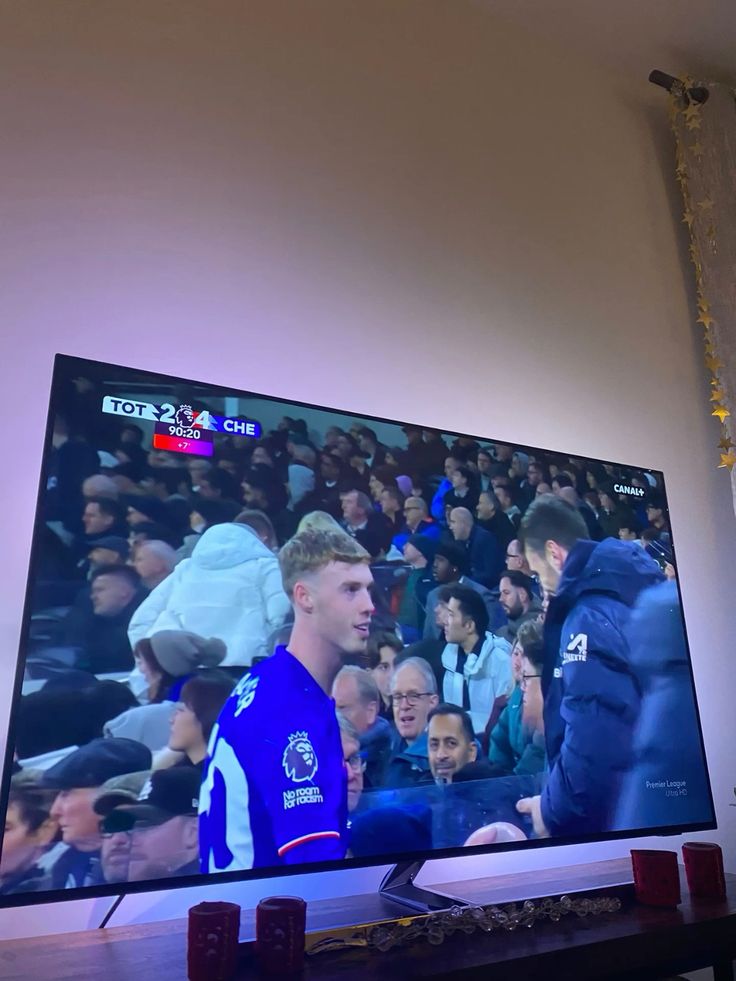
 Image supplied for this project
CUSTOMER PERSPECTIVES
DoxDoxIPTV reviews and viewing feedback
Explore DoxDoxIPTV viewing snapshots and learn how to assess customer reviews when comparing IPTV plans.
DoxDoxIPTV / EXPLORE
DoxDoxIPTV viewing gallery
The images below are screen photos supplied for this project. They are not written reviews or proof of a star rating.
Image supplied for this project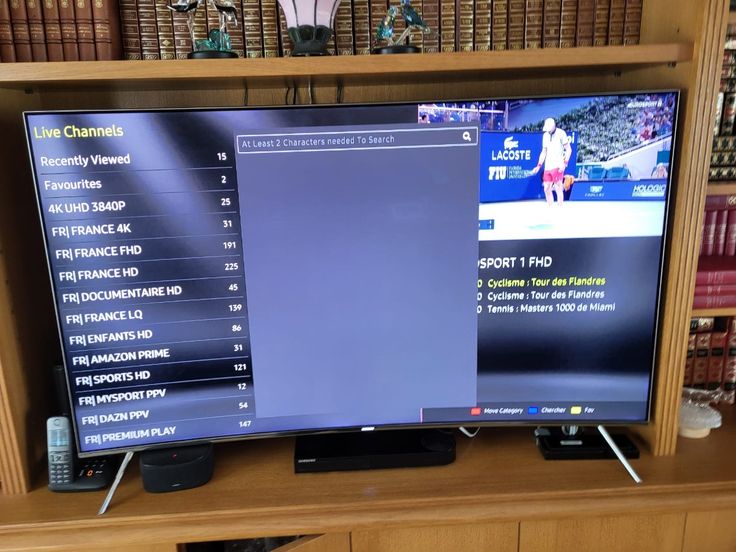 Image supplied for this project
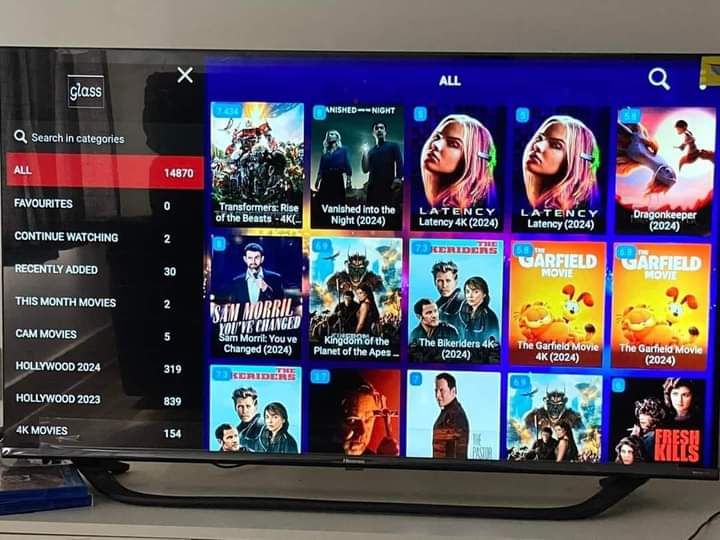 Image supplied for this project
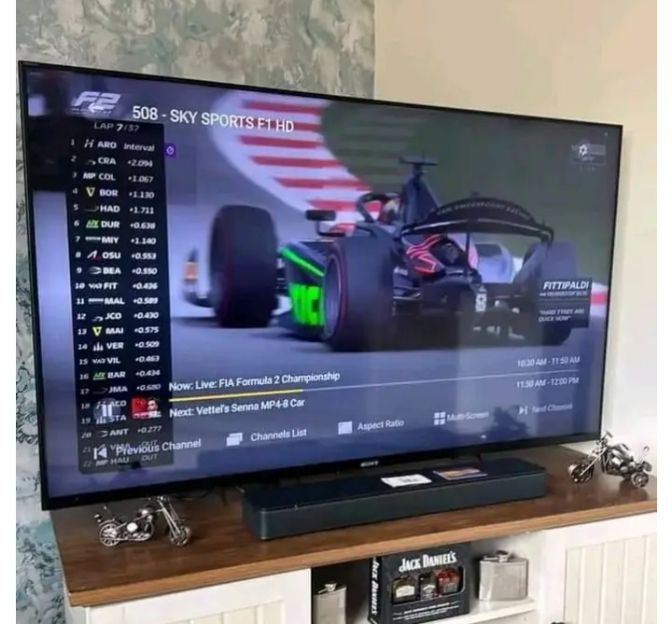 Image supplied for this project
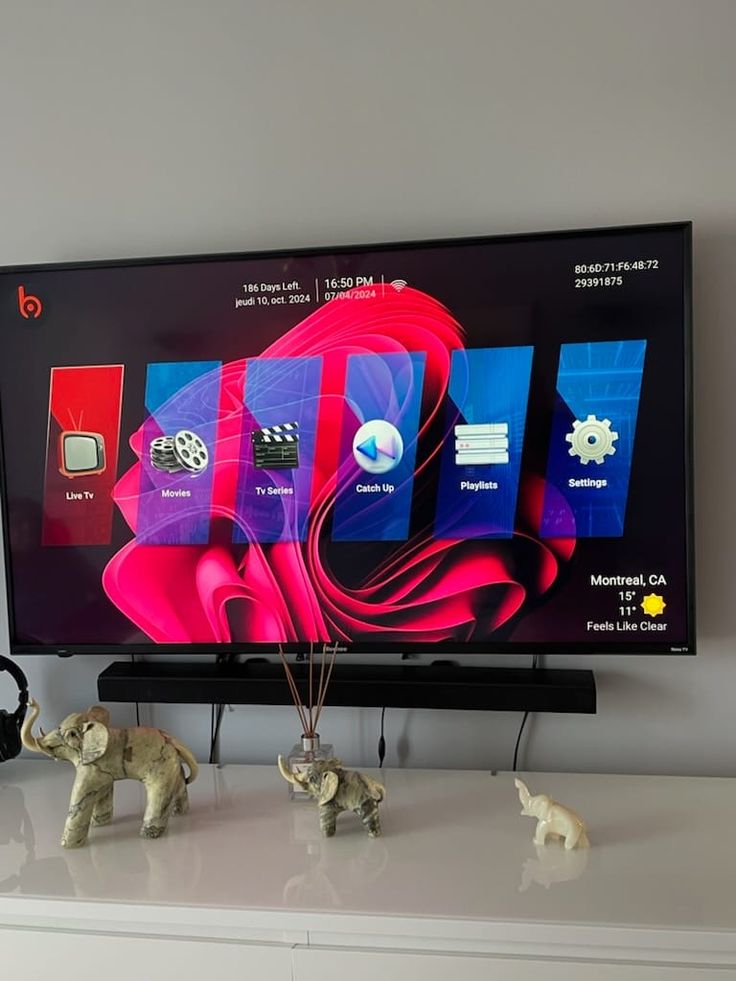 Image supplied for this project
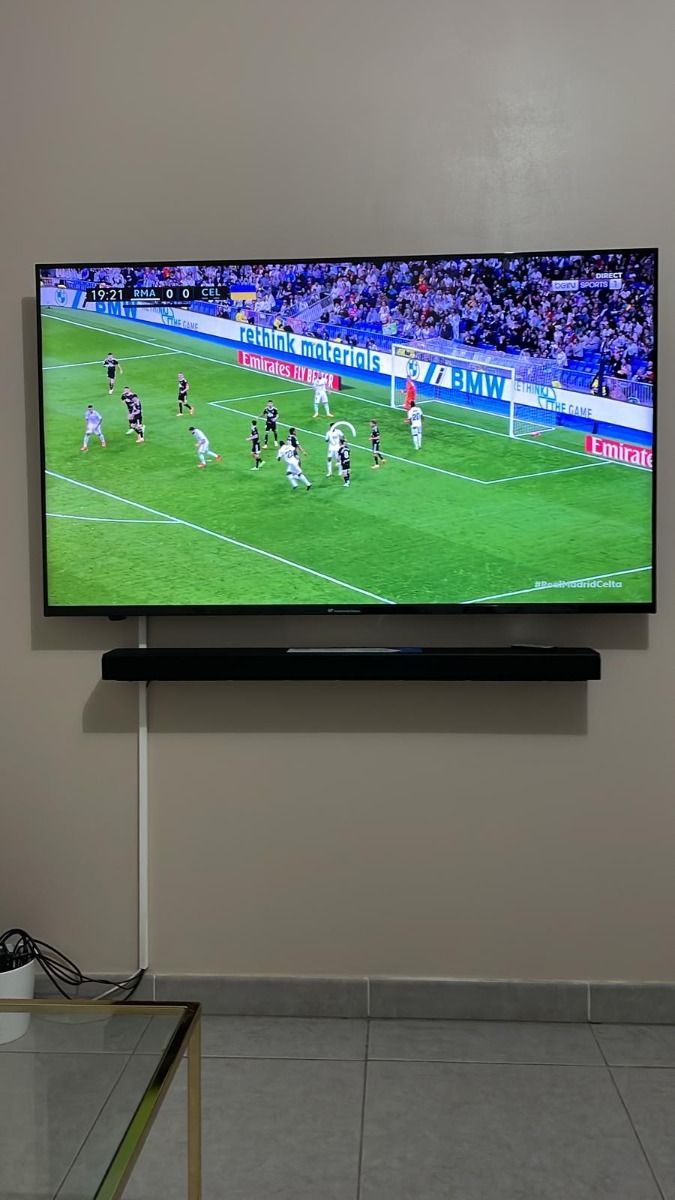 Image supplied for this project
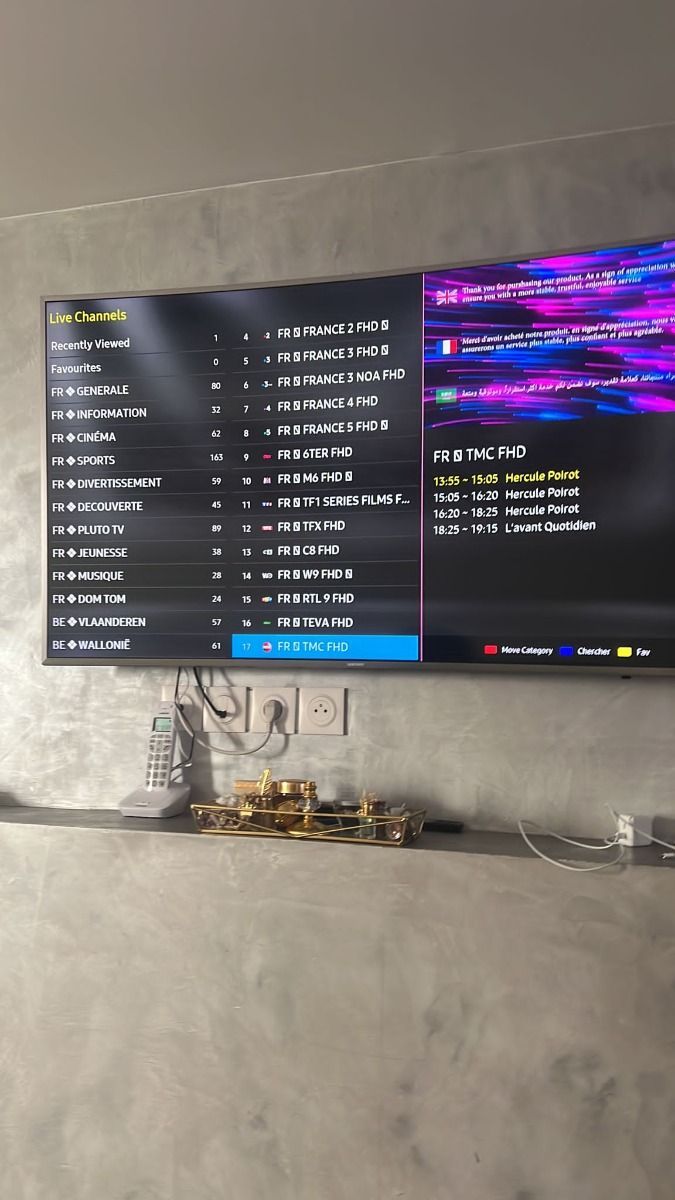 Image supplied for this project
DoxDoxIPTV / EXPLORE
How to use IPTV reviews well
Look for feedback that matches your device, internet connection, and viewing priorities.
A review about a fast Fire TV setup may be useful if you have the same device, while picture quality reports depend on the source and home network. Ask about the current channel list and trial or refund terms before purchasing.
Compare plans clearly
The pricing page shows fixed totals for every duration and device count.
See PricingDoxDoxIPTV / EXPLORE
Questions about the gallery
Understand what these supplied images do and do not show.
Are these images written customer reviews?
No. They are viewing photos supplied for the project. Ask support for independently checkable customer references if you need them.
What should I look for in an IPTV review?
Look for the device used, internet conditions, current channel availability, and how support handled a real setup problem.